Which file determines the watermark?
The watermark belongs to the video supplied by the platform. Different sources can provide different versions of the same media. Relay downloads the accessible version. If a logo or username is embedded in its pixels, it remains in the saved file.
Check the downloaded result
Play the saved MP4 to check its picture and sound. Choosing HD changes the requested resolution, and does not determine whether the source has a watermark. To save just the sound, open TikTok to MP3, where visual elements are absent from the audio file.
TikTok video download in MP4 and HD
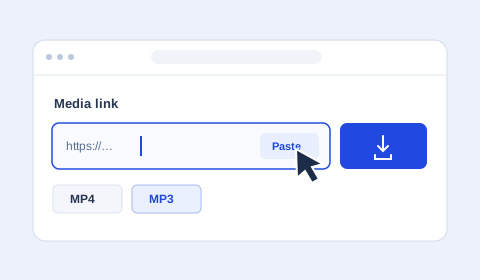
Paste a link to a single video, choose MP4 and select your preferred quality. HD is available when the source provides it. Choosing 1080p sets a maximum resolution, and the original video determines the available detail.
Can I download TikTok videos without a watermark?
Whether a TikTok download has a watermark depends on the media file supplied by the source. Relay saves the available video and does not edit out logos or text already embedded in it.