Choose a resolution for your TikTok download
Select 480p, 720p, 1080p or Best available before starting. A 720p choice limits the result to 720p or lower. Best available lets the source determine the highest accessible resolution. A lower-resolution source keeps its original detail when saved.
MP4 for a saved video file
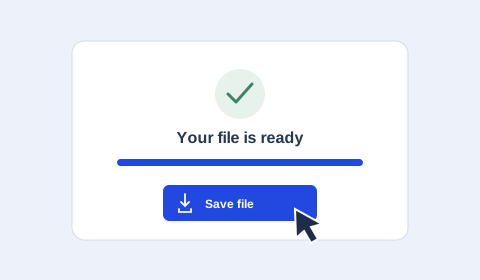
Use MP4 when you want the picture and its accompanying sound. Once processing finishes, save the file to your device and open it in a compatible video player. Available video and audio tracks depend on the public source.
TikTok video download in MP4 and HD
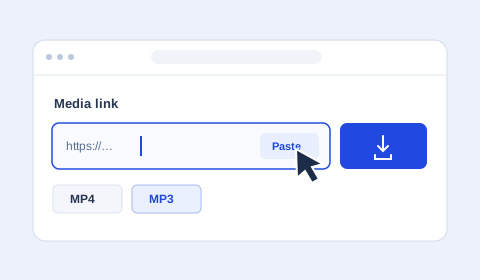
Paste a link to a single video, choose MP4 and select your preferred quality. HD is available when the source provides it. Choosing 1080p sets a maximum resolution, and the original video determines the available detail.
Copy a TikTok link and share the saved file
Use Share → Copy link in TikTok or TikTok Lite. Short links such as vt.tiktok.com and vm.tiktok.com are accepted. After saving the file, you can select it in WhatsApp if it meets that app’s current file requirements.