Start with a link to one video
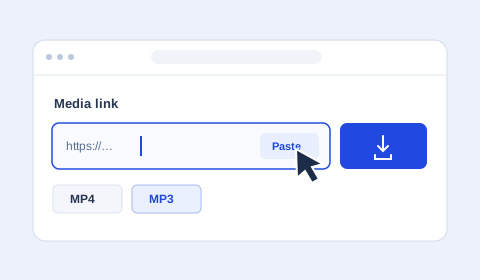
Open the video in TikTok and select Share, then Copy link. Paste it into the media field above. A link to an account, search result or hashtag may describe several videos. Select the individual public video you want to save.
Choose settings and save
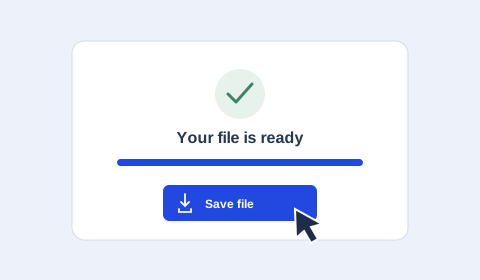
Choose MP4 and the desired video quality, then start the download. Wait for Your file is ready and select Save file. On a phone, use the browser’s downloads list to find the result. For audio, choose MP3 before starting. The pictures in the guide show each step.
Copy a TikTok link and share the saved file
Use Share → Copy link in TikTok or TikTok Lite. Short links such as vt.tiktok.com and vm.tiktok.com are accepted. After saving the file, you can select it in WhatsApp if it meets that app’s current file requirements.
Can I download TikTok photos or stories?
This tool currently handles a single video or its audio. Photo albums and TikTok stories have not been implemented or verified here.
Do I need to download a TikTok APK?
Use this tool in your browser on a phone or computer. To download a video, paste its public link into the form above.